terzaLesson Intelligence

Every lesson has more in it than you can write down.

Terza records the lesson, drafts the observation, and waits for you. You review, edit, and decide what a parent or student ever sees. Built for multiple voices and instruments in the room, the kind of environment real lessons happen in.

Which would you use: iPhone, iPad, or both?
15 students a week: $0.40 per lesson · See pricing ↓
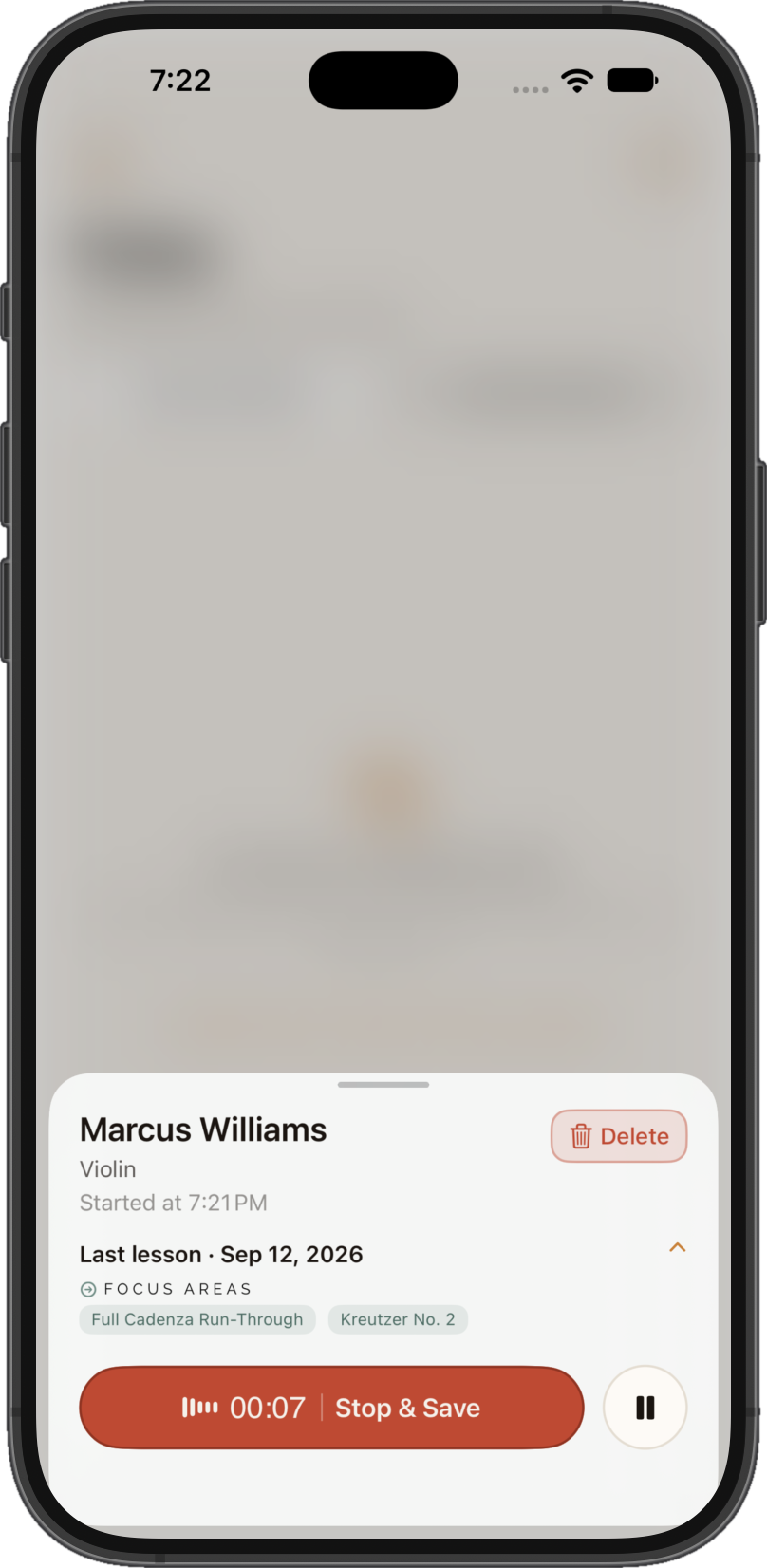
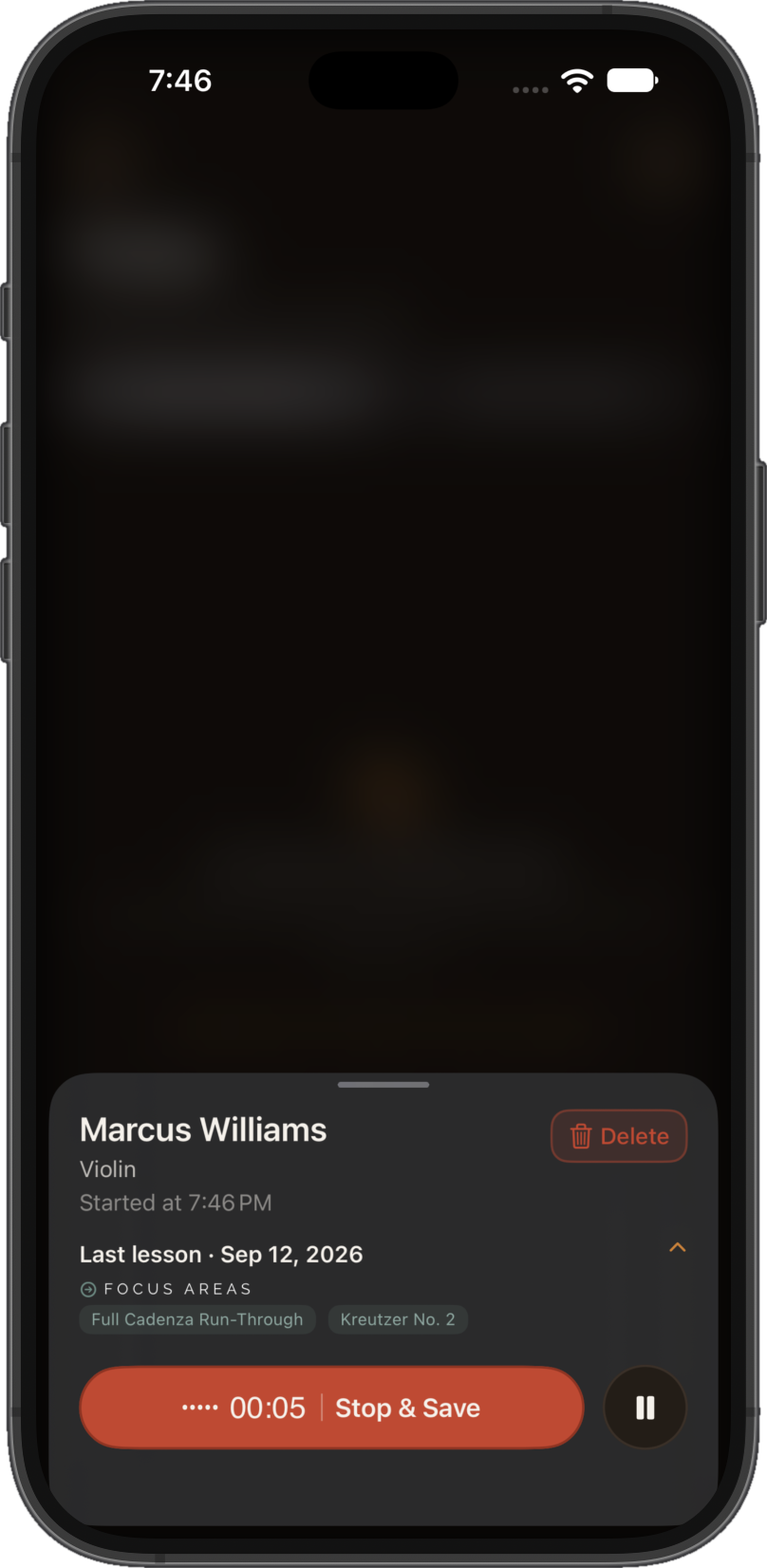
Terza recording a lesson on an iPhone: student name, instrument, a live waveform, and a Stop & Save action

You already do the hard part.

You hear everything in a lesson - the breath support that’s finally steadying, the rhythm that’s still sliding, the breakthrough in measure twelve. Writing all of that down, for every student, every week, is the part that doesn’t scale. Terza captures what you already do in the room and hands it back in a form you can use.

How it works.

  1. 01

    Record

    Start the recording at the start of the lesson: Terza moves into the background, leaving you to focus on the student.

  2. 02

    Transcribe

    Terza turns the recording into text while you teach.

  3. 03

    Review

    A drafted observation is waiting shortly after the lesson ends. Read it, edit anything.

  4. 04

    Decide

    If you wish, send a practice note to the parent or student, or don't. Nothing leaves Terza without you deciding.

  5. 05

    Remember

    Every lesson deepens that student's record, broadens your whole studio's, and - if you opt in - sharpens the picture for every teacher on Terza.

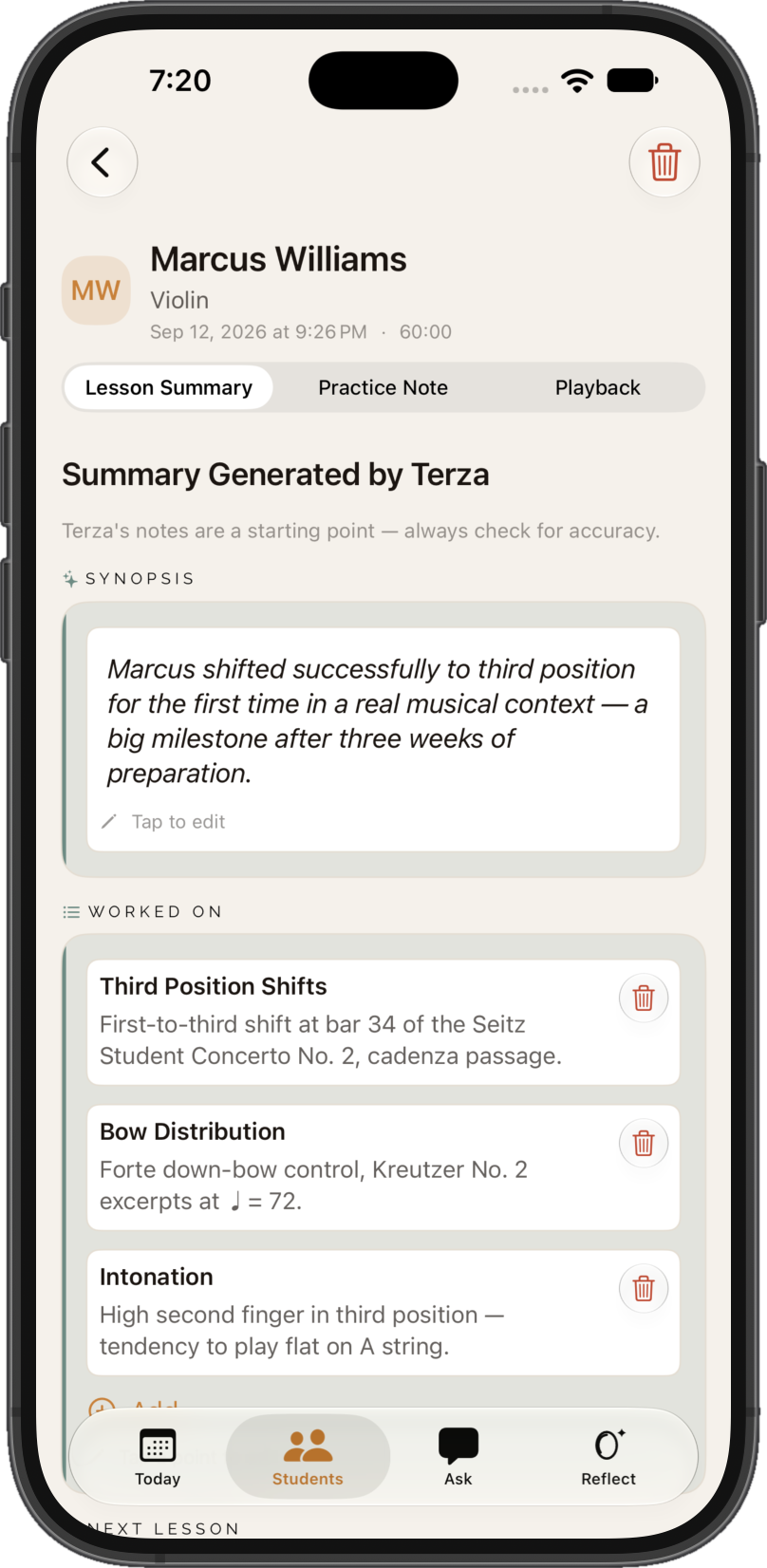
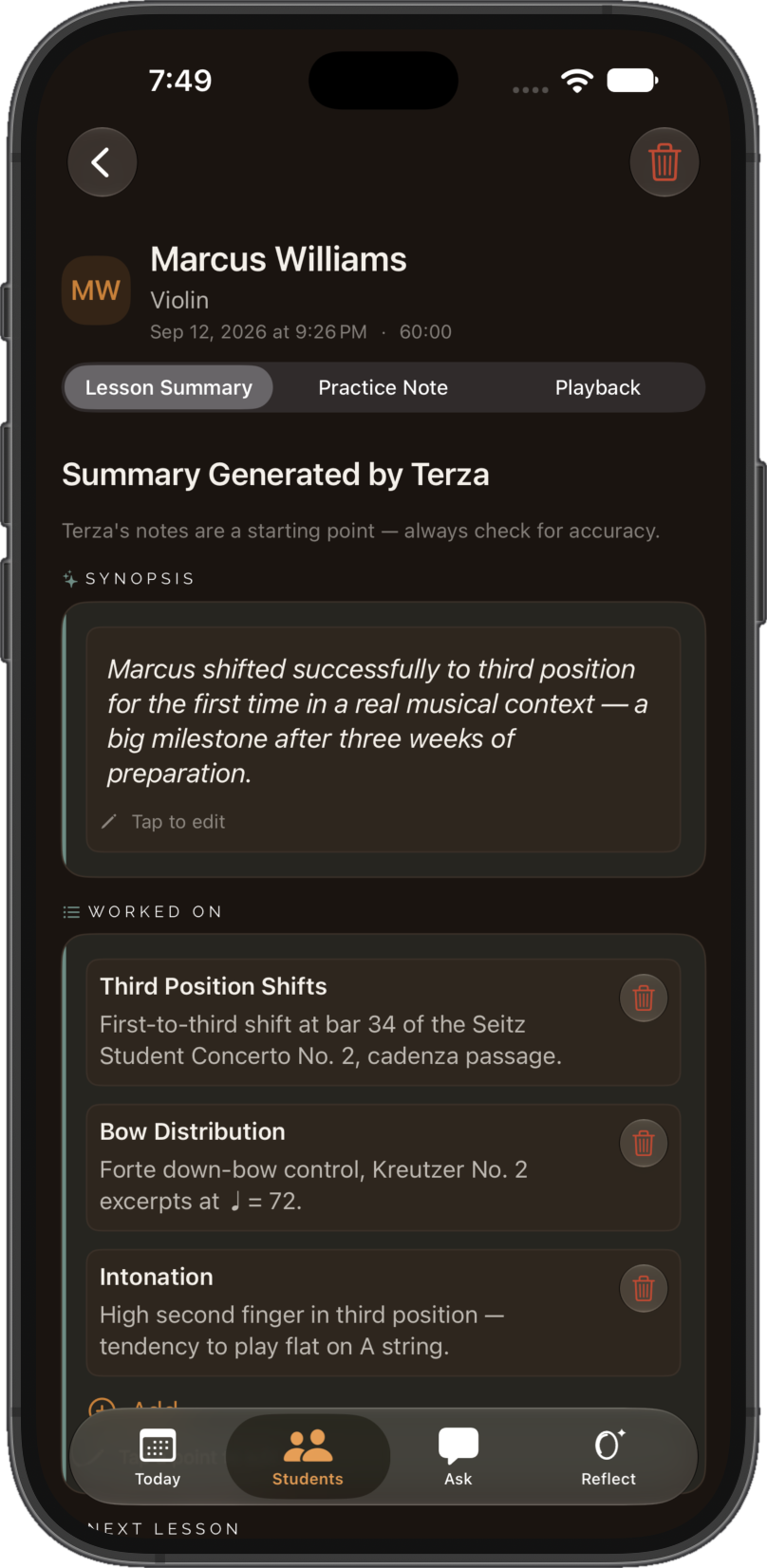
A drafted lesson observation waiting to be reviewed in Terza, with a synopsis and full summary generated from the recording

Step 3, Review - the draft waiting after the lesson ends.

“Terza generates. The teacher decides.”

Nothing leaves Terza without you choosing to share it. Not a setting you have to find, just the way the product works.

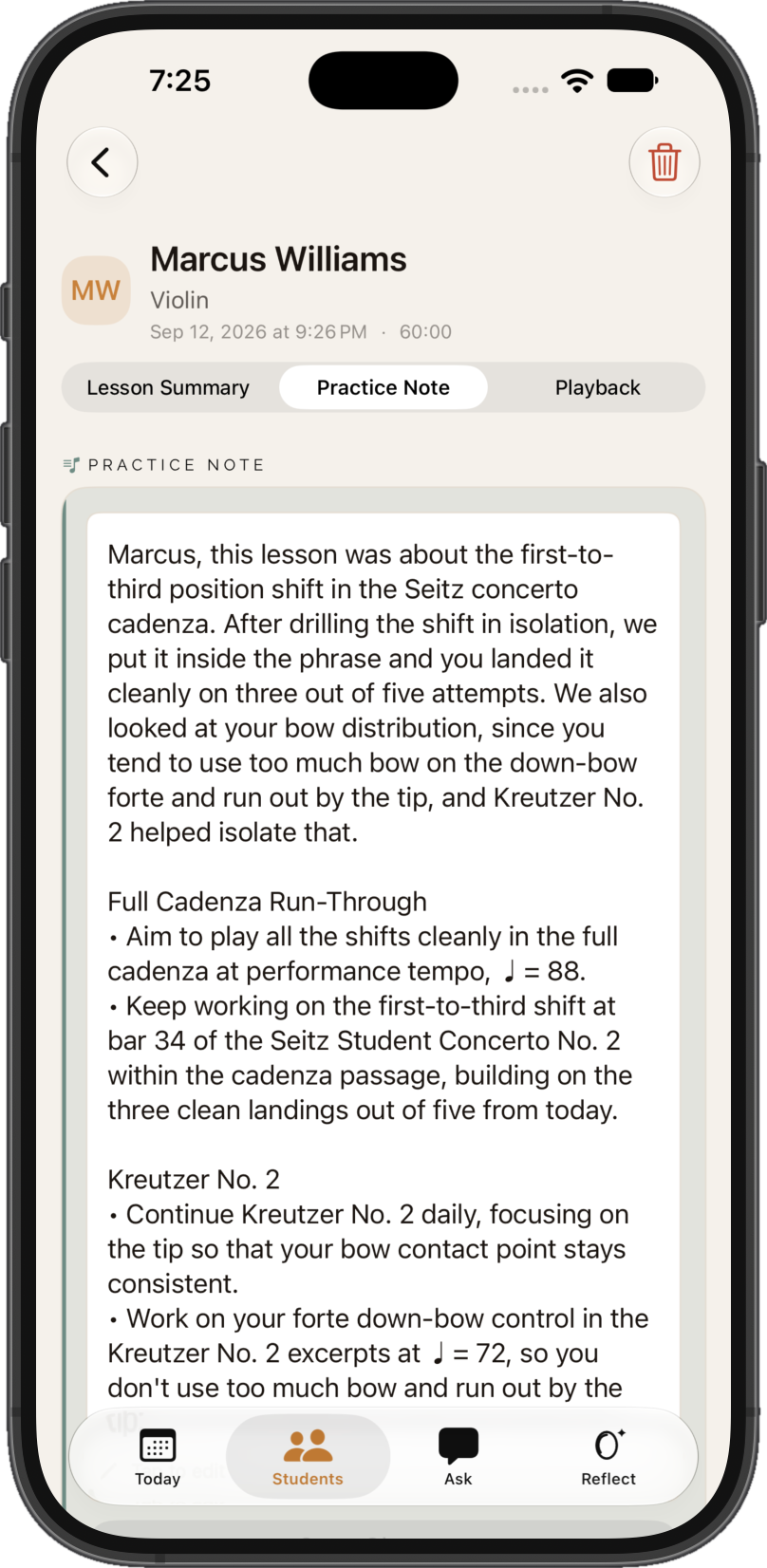
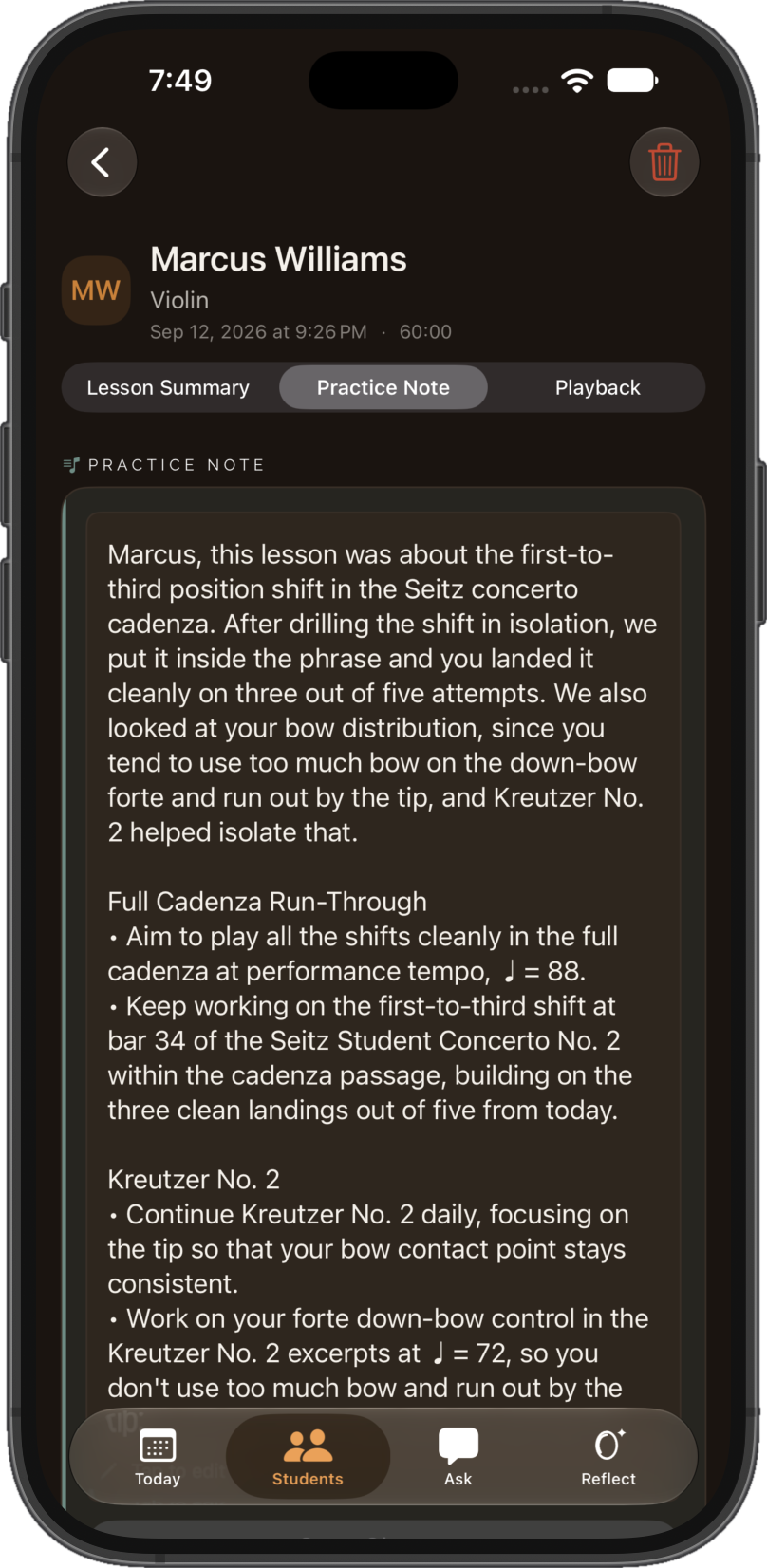
A practice note ready to share with a parent or student in Terza, with a Share Practice Note action the teacher must take

Built for real lessons.

Designed for a real lesson

Multiple voices, instruments, and a room with reverb - that's what an actual lesson sounds like, and it's what Terza is built around. Every observation links back to the exact moment in the recording it came from.

Works with any approach

Terza doesn't assume any particular method or approach. It captures what was said in the lesson and extends it. Your pedagogy stays yours.

A record that grows with you

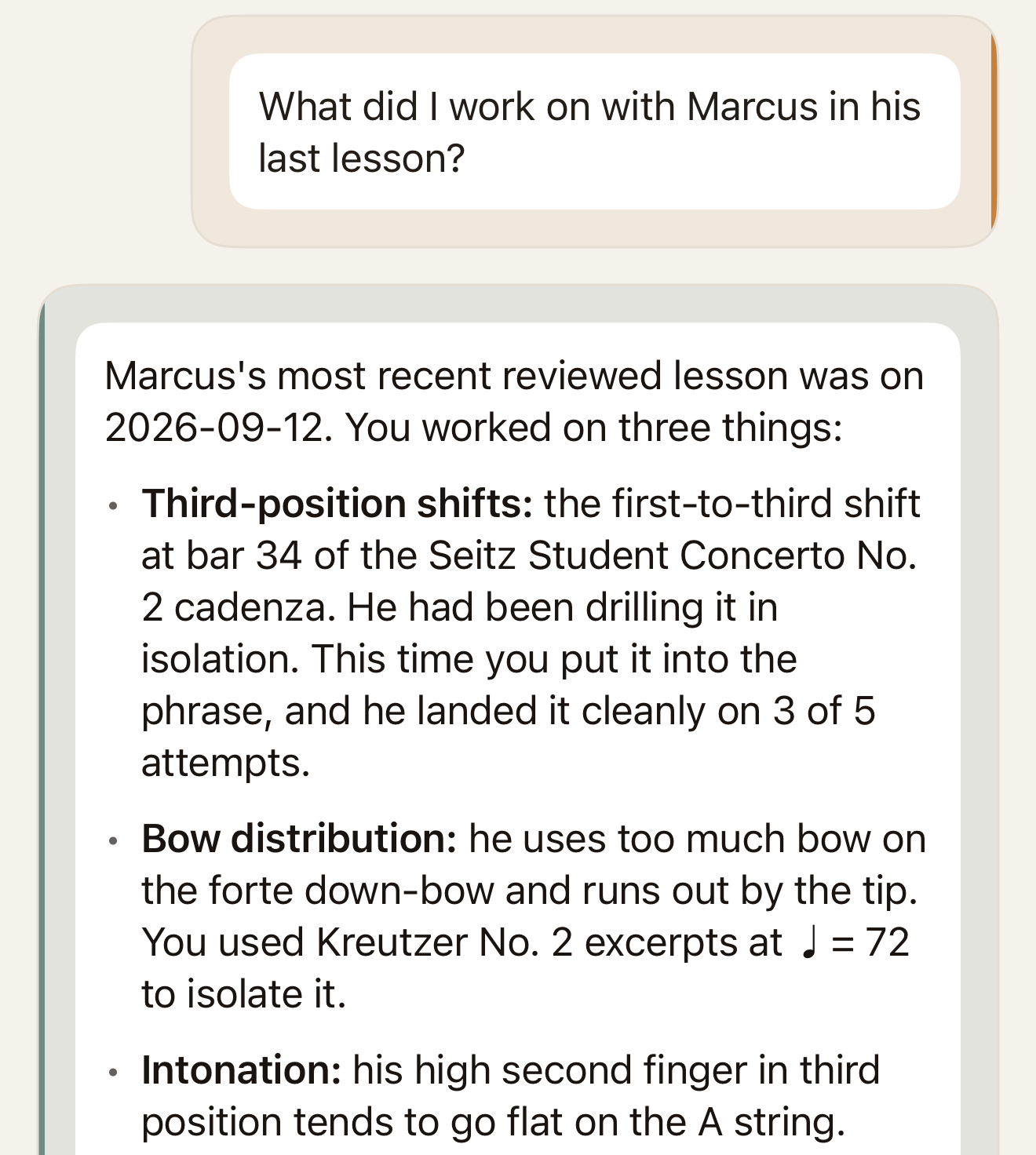
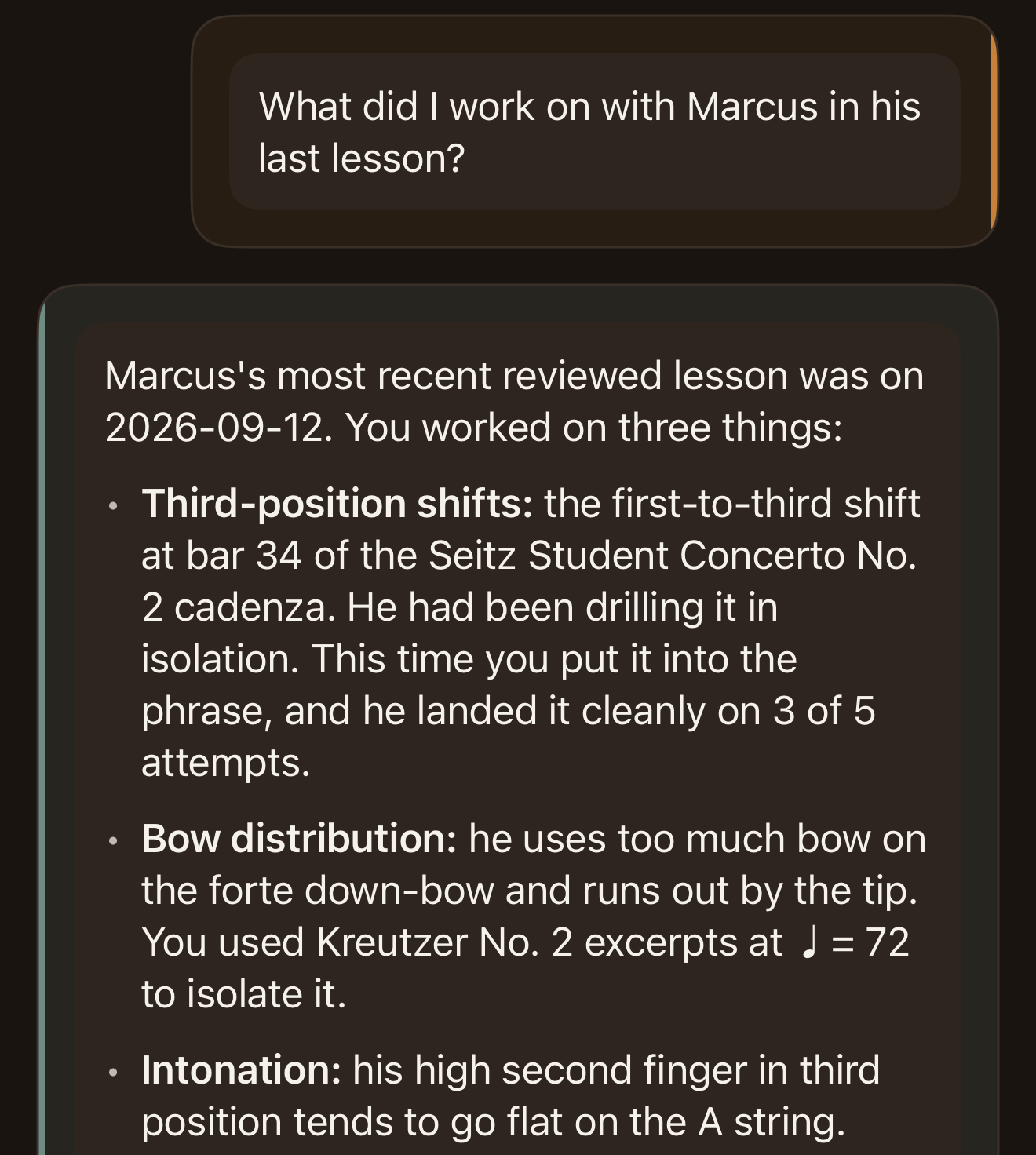
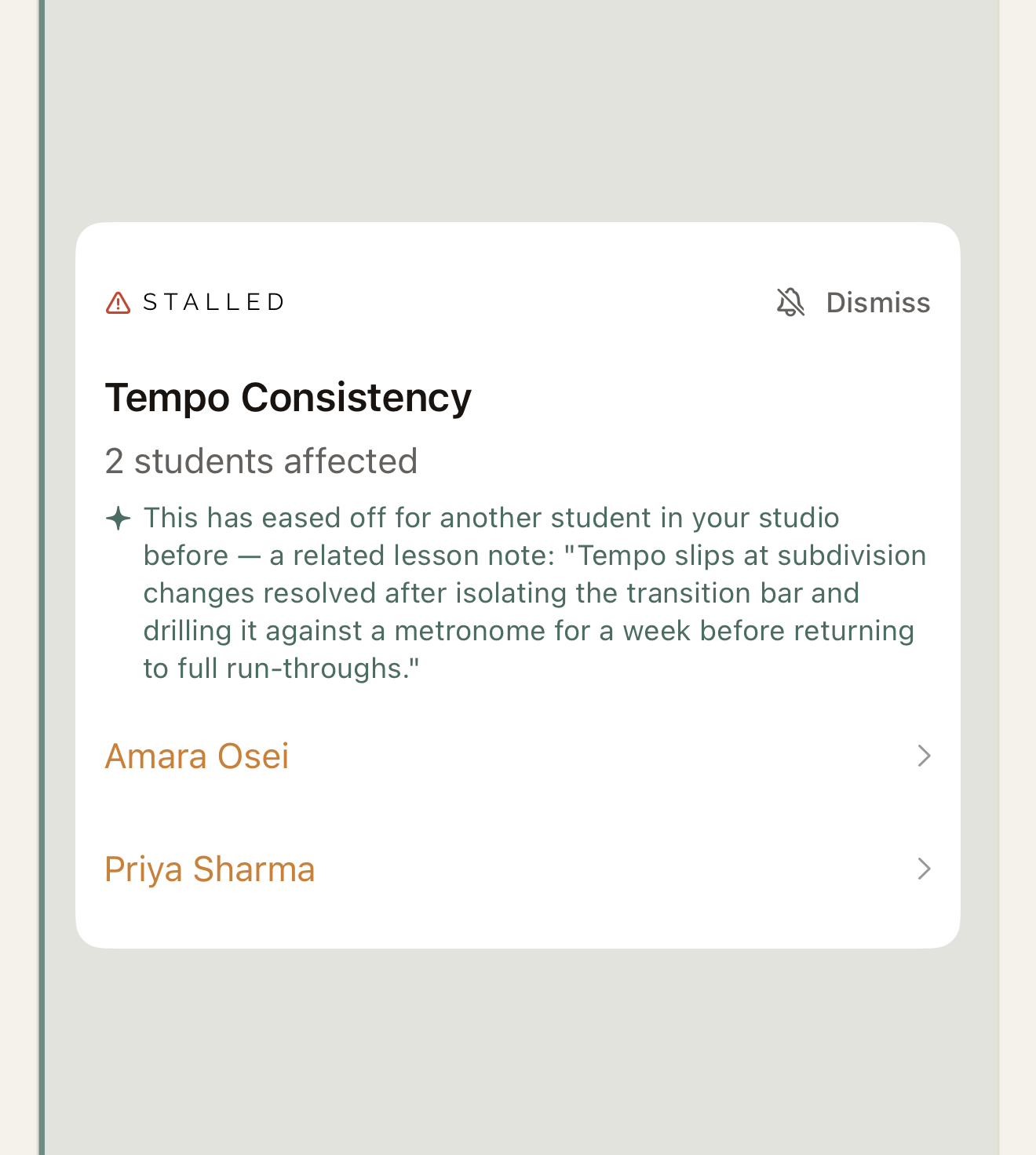
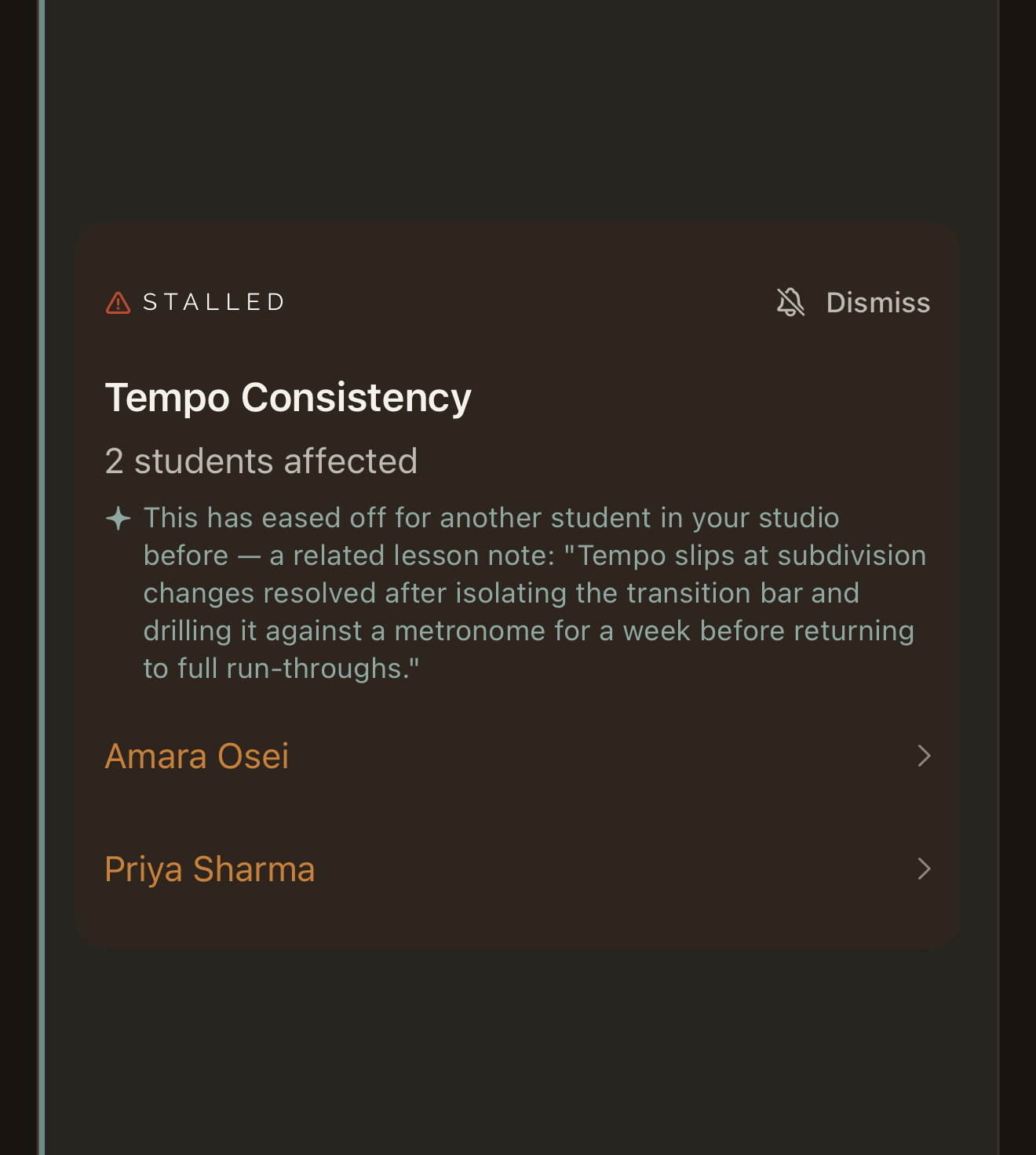
After a few lessons, patterns start to surface for a student - a practice habit that's slipping, a recurring pitch issue. Across your whole studio, patterns surface too. The longer you use Terza, the more useful the record gets.

Compliance, from the foundation up

Recording lessons with children is a real responsibility. Terza was designed around that from day one.

The record gets sharper every week across your entire studio.

Most lesson-notes tools stop at the lesson. Terza’s record works on three scales at once.

Per student

Every lesson adds to that student's own history - a searchable, year-over-year record of what was worked on, what improved, and what's still sticking.

Across your studio

The same record spans every student you teach. Patterns that don't show up in a single lesson - a technique most of your beginners struggle with, a practice habit that predicts who sticks with lessons - only surface once you can see your whole studio at once.

Across the Terza community (opt-in)

If you choose to contribute anonymized lesson data, your studio's patterns join a much larger picture, drawn from every teacher using Terza. Nothing identifiable about you or your students is ever shared. What comes back is the kind of help and insight that's only visible at scale.

The longer Terza runs, the more it knows: for you, for your studio, and, if you opt in, for the whole community teaching alongside you.

Built for lessons with children, from day one.

Recording minors changes what’s required of a product - verifiable parental consent, named data partners, a published retention schedule, a real security program. Terza was designed around those obligations, not patched to meet them later.

  • A hard parental consent step before Terza can record any minor student - not a line in a Terms page.
  • Every data partner we use is named and under a signed data processing agreement.
  • No training on student data, ever - contractually guaranteed.
  • Audio is deleted on a published schedule, not held indefinitely.
  • Data residency and practices aligned with the US's COPPA 2025 Final Rule and Canada's PIPEDA.

The opt-in community patterns program described above is separate from this commitment: it shares only anonymized, aggregated trends across studios, never raw audio, transcripts, or identifiable student data.

Pricing that scales with your studio.

Every plan includes full lesson history per student. No per-transcription caps, ever.

Free Trial

$0

14 days

Full access to Lite features.

Start free trial

Lite

$14/month

Up to 5 students

Entry point for teachers with a small studio or those just starting to use Terza.

Start free trial

Studio

$44/month

Up to 40 students

For larger studios or teachers approaching capacity on Solo.

Start free trial

On Solo ($24/month), 15 students a week works out to $0.40 per lesson: a fraction of what one lesson costs a family.

For teachers who take their craft seriously.

Terza works with any instrument, any method, any approach. If you teach private lessons and want a clear, accurate record of every one of them, without spending your evenings writing it up, this is for you.

Strings
Winds & Brass
Percussion
Keyboard
Voice
Guitar

Terza is available on iPhone and iPad.

From the founder

Hi, I’m Jeremy. I’m a professional cellist and software developer. After a career as a freelance cellist in London, England, I retrained as a software developer, and I’m currently a software architect for one of the largest technology companies in the world.

I’m passionate about using technology to help professional musicians, and Terza is an expression of that. I believe it can extend what music teachers can see and remember, to the benefit of students, parents, and teachers. I’m looking forward to hearing feedback and seeing how I can make Terza even more helpful for teachers.

Be one of the first studios on Terza.

We’re inviting teachers into private beta in small groups. Join now and we’ll reach out as space opens.

Which would you use: iPhone, iPad, or both?